Merry Christmas!!

The Result


Used photos:


Enjoy!


Just another Stupid Disco Poster :)


Let's GET THE PARTY STAARTEDDD!!! 


Surreal night scene with Photoshop

THE RESULT


Used images:


Enjoy!

Photo Manipulation. Catwalk..

I know that catwalk has nothing to do with "grundgy"...but hey..that's just my vision..:) Enjoy!


CLICK I like it if you want the tutorial ;-).

Adding Make-up! The Tutorial.

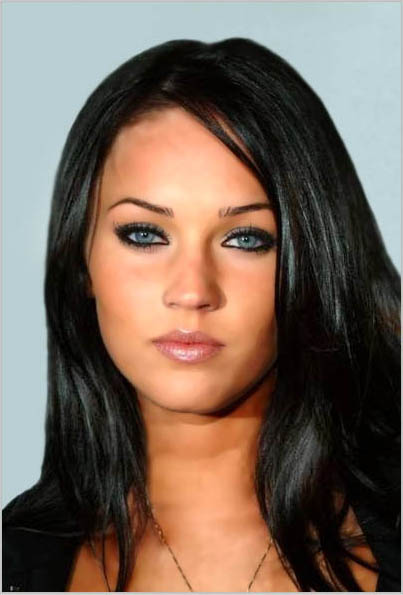
Keyra Knightley. Adding Make-up. Photo Retouch. Enjoy!!

BEFORE-AFTER Collection. Photo Retouch.


Photo retouch. Photo manipulation.


The easiest way to remove white background in Photoshop. Requested by GogoMan :-)

This is the photo I am going to use:

1st thing to do obviously, is to open the picture: File -> Open.

2nd thing to do go to Channels and dublicate the "Blue" Channel as shown in the picture:

3rd thing: Ctrl+Click as shown, in order to select the white area:


4th step: Go back to "Layers", and with the selection still on, hit Delete.

5th step: Now your object will be a bit transparent so, in order to fix this, duplicate the layer 2 or 3 times!!

Here is my result:


And a BONUS for GogoMan :))):


Cheers!